
 Get Started Now!
A recurring freeze that fires every Friday afternoon makes sense to the person who set it up. Six months later, a teammate looking at the schedule or the freeze log may not know why it’s there.
What’s Changed
One-time and recurring freezes now have an optional Description field at the top of the form. Use it to say why the freeze exists, for example “Weekend freeze” or “Quarter-end close.”
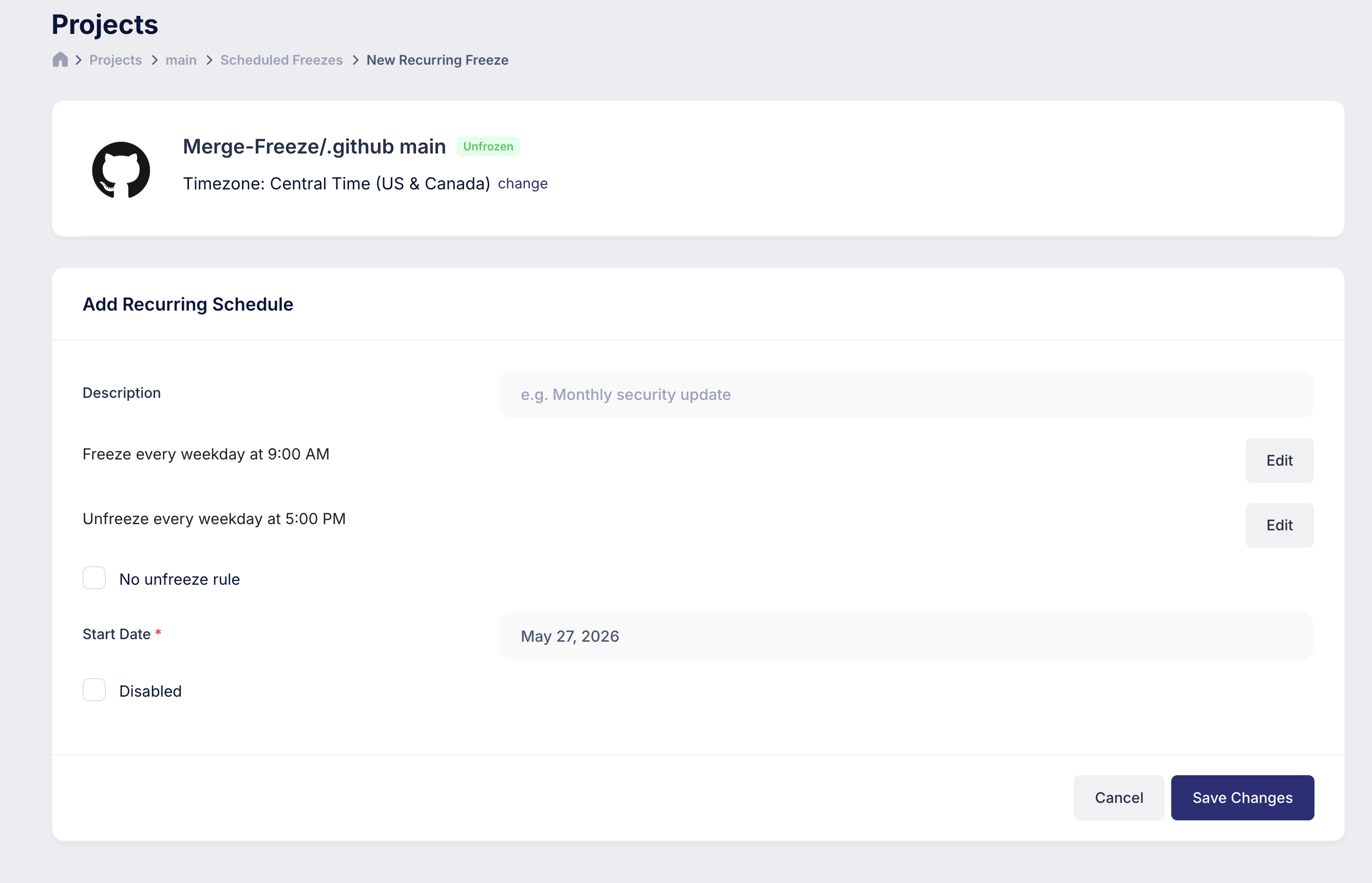
The description appears:
- In the schedule list, in its own column on the project’s Schedule tab and on the Scheduled Freezes page.
- In the freeze log, each time the scheduled freeze runs, so the history shows why the branch was frozen.
Existing schedules don’t need a description. Freezes you start by hand from the dashboard, Slack, or the API keep using their freeze note, as before.
Questions?
Reach out at hello@mergefreeze.com.