
 Get Started Now!
Merge Freeze can block merges in two ways: by pushing a status update to all PRs, or by toggling a branch protection rule. Each one depends on different GitHub settings, and the Freeze Method tab didn’t explain those settings clearly. Now it does.
A Warning When You Switch to Status Updates
The status update method only blocks merges if mergefreeze is a required status check on the branch, in branch protection or a ruleset. When you switch a project to Push a status update to all PRs, Merge Freeze now shows a reminder to add that required check in your GitHub repository settings.
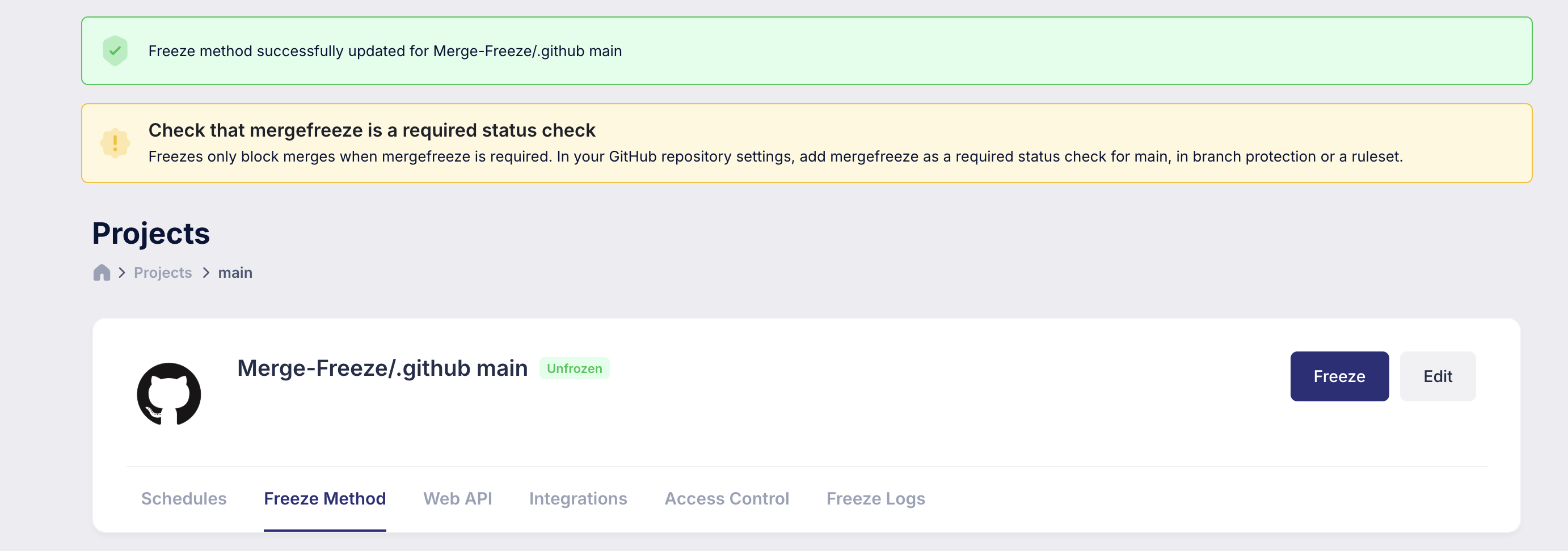
This matters most if you’re switching from the toggle method, which removes mergefreeze checks from classic branch protection when it’s in use.
Clearer Descriptions of Both Methods
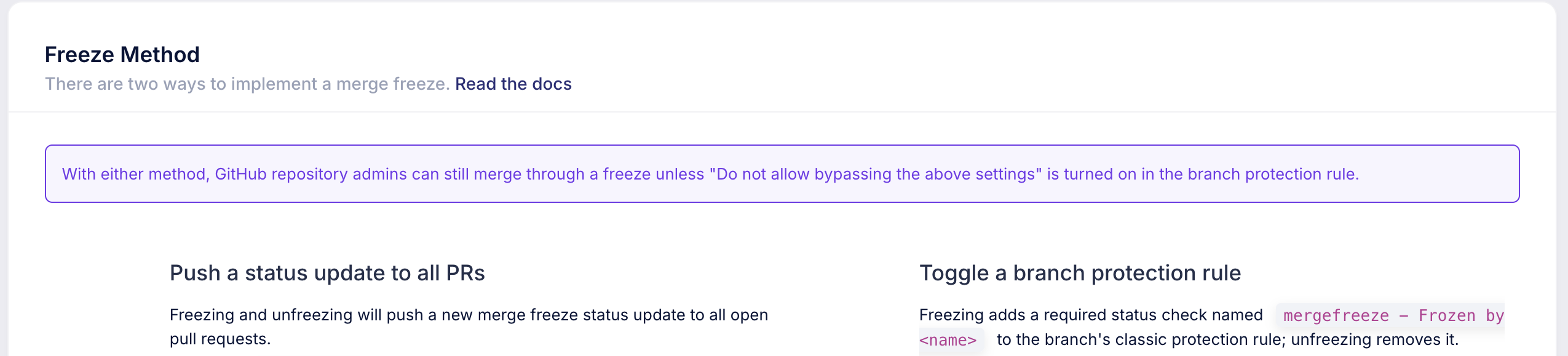
The Freeze Method tab now spells out:
- Status update:
mergefreezemust be a required check. - Toggle: freezing adds a required check named
mergefreeze - Frozen by <name>to the branch’s classic protection rule, and unfreezing removes it. If the branch has no classic rule, Merge Freeze creates one, and that rule stays after unfreezing. Rulesets and merge queue settings aren’t changed. Don’t makemergefreezerequired yourself with this method, or new PRs will be blocked. - Admin bypass: with either method, repository admins can still merge during a freeze unless “Do not allow bypassing the above settings” is turned on in the branch protection rule.
Which Method Should You Use?
We wrote up the trade-offs in Choosing a GitHub Merge Freeze Method.
Questions?
Reach out at hello@mergefreeze.com.